HYEGRO CRM v1.0.0 is now LIVE!!
HYEGRO Docs
Home
User Guide
Developer Guide
Developer Guide
API v1.0.0
Home
User Guide
Developer Guide
Developer Guide
API v1.0.0
Leads
Copy Page
Getting Started with HYEGRO API
User Guide
Login & Authentication
Reset Password
Leads
Create a Lead
View Lead Details
Kanban View - Leads
Add Activities to Leads
Clone Leads
Search Leads & List View
Edit Lead
Bulk Lead Upload
Create Deals And Accounts Using Leads
General
List View Filters
Quotes
Create Quote from Deal
Deals
Multiple Deal Stages
Create Deals And Accounts Using Leads
Projects
Create and Configure Projects
Project Tasks
Create Project Tasks
Project Tasks Kanban View
Invoice (Project)
Orders
Add Orders
Navigate and Review Order Overview
Invoice (General)
View Invoice Detail Page
Tasks & Activities
Add and Manage Activities
Settings
Update Company Settings
Configure Page Layouts of Modules
Add Custom Fields
User Profile Management
Add Users
Custom Objects
Create Custom Objects
WebForms
Configure Web Forms Integration
Integrations
Integrate Social Channels And Webhooks
Email & Inbox
Notifications
Case
Create and Configure Cases
Case Overview
Case Detail Page Overview
Contacts
Contacts Overview
Add Contacts
Attachments
Attach Files to Records
Accounts
Add and Configure Accounts
Echo
Echo Messages Workflow
Product
Product Details and Manage Records
Developer Guide
HYEGRO Developer Docs
HYEGRO CRM API v1.0
Users
Access Token & License Info
Login For Access Token
Login History
Get User Login History
Leads
Create Lead
Read Leads
Bulk Upload Leads
Read Lead By Id
Update Lead
Delete Lead
Update Lead
Contacts
Read Contacts
Create Contact
Read Contact
Delete Contact
Update Contact
Accounts
Read Accounts
Create Account
Read Account By Id
Delete Account
Patch Account
Read Contacts By Account Id
Products & Inventory
Inventory/Stock Information
Get Inventory Details
Create Inventory
Read Inventories
Read Inventory
Update Inventory
Delete Inventory
Adjust Inventory
Get Low Stock Products
Get Inventory Category Price
Read Products
Read Product
Create Product
Update Product
Delete Product
Get Product Meta
Deals
Create Deal
Read Deals
Read Deal
Delete Deal
Update Deal
Read Deal Quotations
Quotations
Read Quotations
Create Quotation
Create Quotation Items
Read Quotation Items
Delete Quotations Items
Read Quotation By Id
Update Quotation
Delete Quotation
Update Quotation Status
Orders
Create Order
Read Orders
Create Order Item
Read Order
Update Order
Delete Order
Patch Order
Update Order Item
Delete Order Item
Read Orders By Deal
Patch Order Item
Read Orders By Account
Invoices
Read Invoices
Create Invoice
Read Invoice By Id
Update Invoice
Create Invoice Item
Get Invoice Items
Update Invoice Item
Delete Invoice Item
Read Invoices By Order Id
Check Invoice By Number
Cases
Case Comments
Read Cases By Account
Read Comments
Create Comment
Create Case
Read Cases
Read Case
Update Case
Delete Case
Patch Case
Get Cases By Account
Activities & Tasks
Create Activity
Read Activities
Read Activity
Patch Activity
Delete Activity
Search
Search Records
METADATA API
Custom Fields
Get Custom Field By Id
Get Custom Fields
Update Custom Field
Files & Attachments
Create Attachment
Read Attachments
Create Attachment
Delete Attachment
Read Attachment By Id
Home
User Guide
Developer Guide
Developer Guide
API v1.0.0
Home
User Guide
Developer Guide
Developer Guide
API v1.0.0
Leads
Copy Page
View Lead Details
View Lead Details Using Hyegro Platform
#
Click here to watch
#
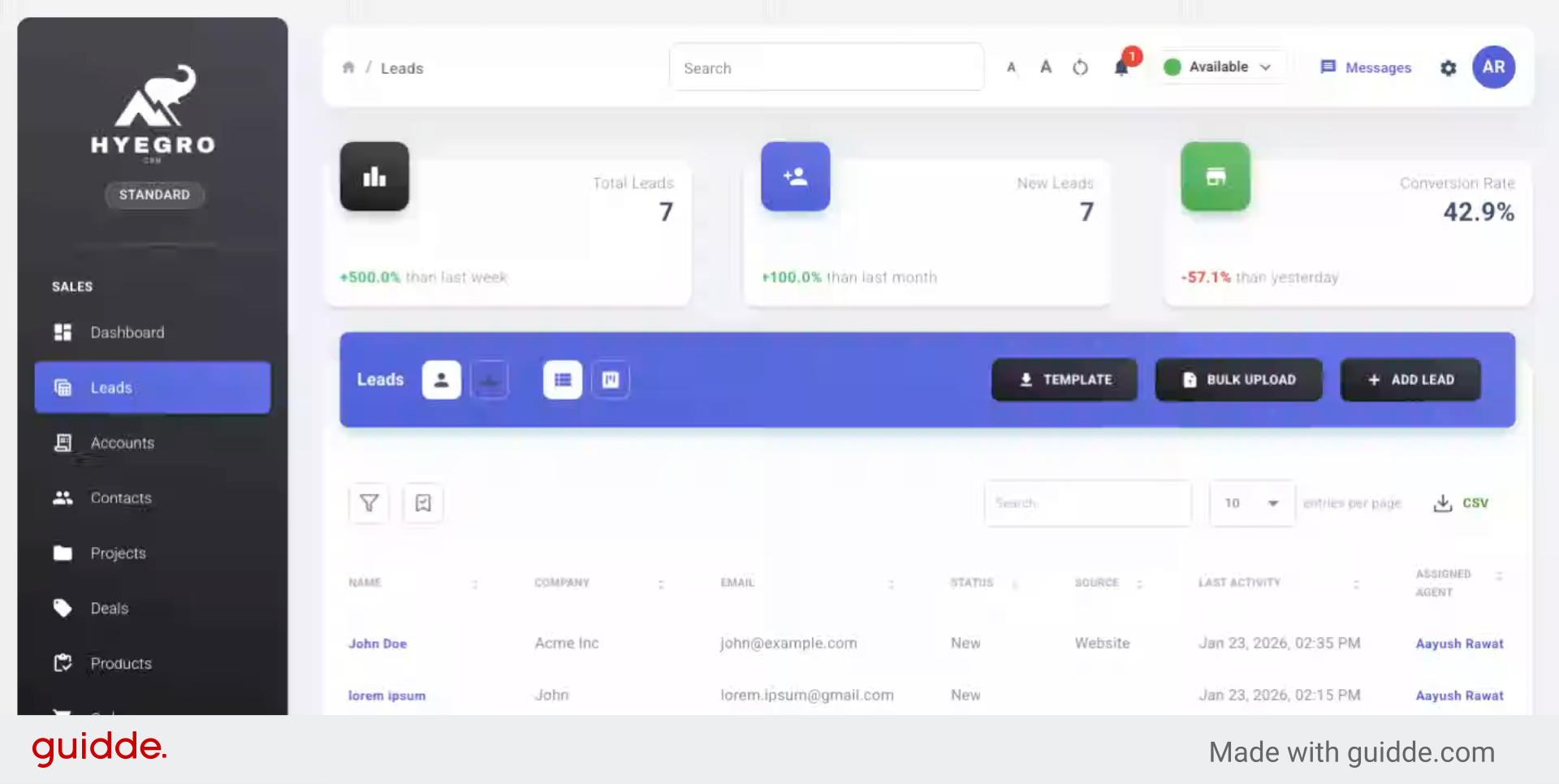
This demo showcases how to view detailed information about leads within the Hyegro platform
Go to
your-company-instance.hyegro.com
#
1. Introduction
#
You will see how to access individual lead profiles and explore their associated data efficiently.
2. Select Lead Profile
#
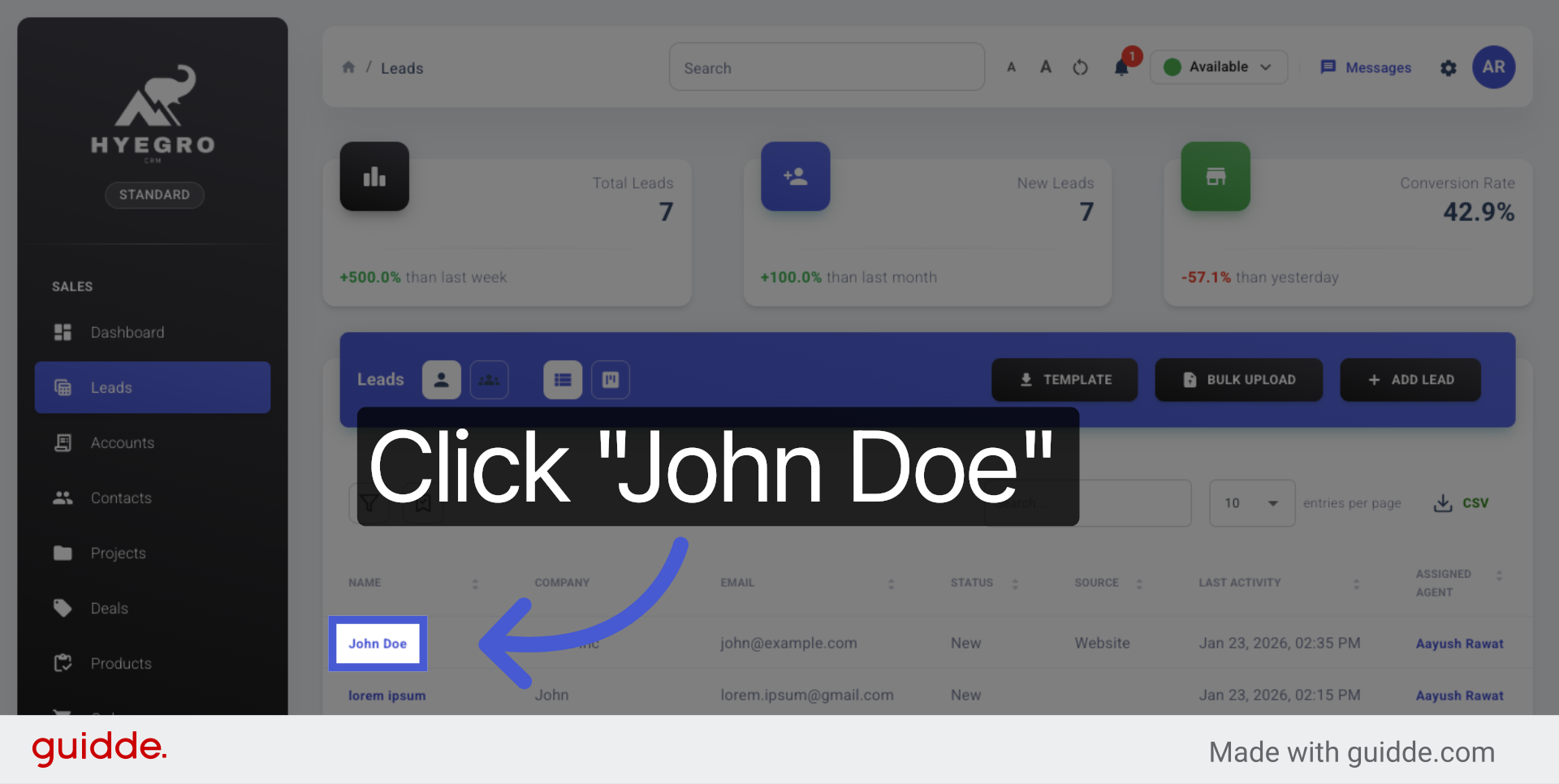
Click the lead's name to open their detailed profile and review their information.
3. Access Leads Table View
#
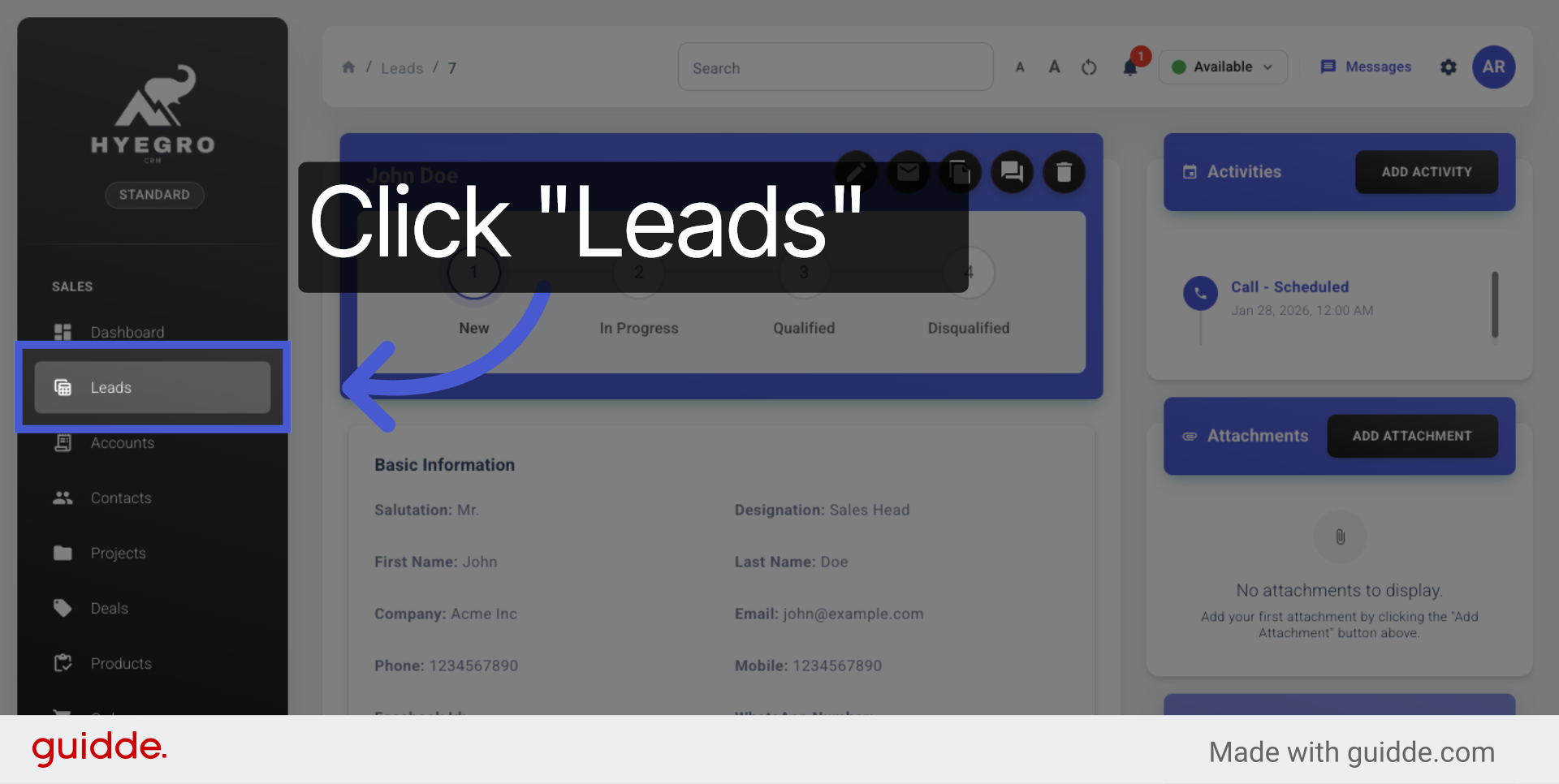
Click the leads table view to see a comprehensive list of all leads and their key details.
4. Open Specific Lead Entry
#
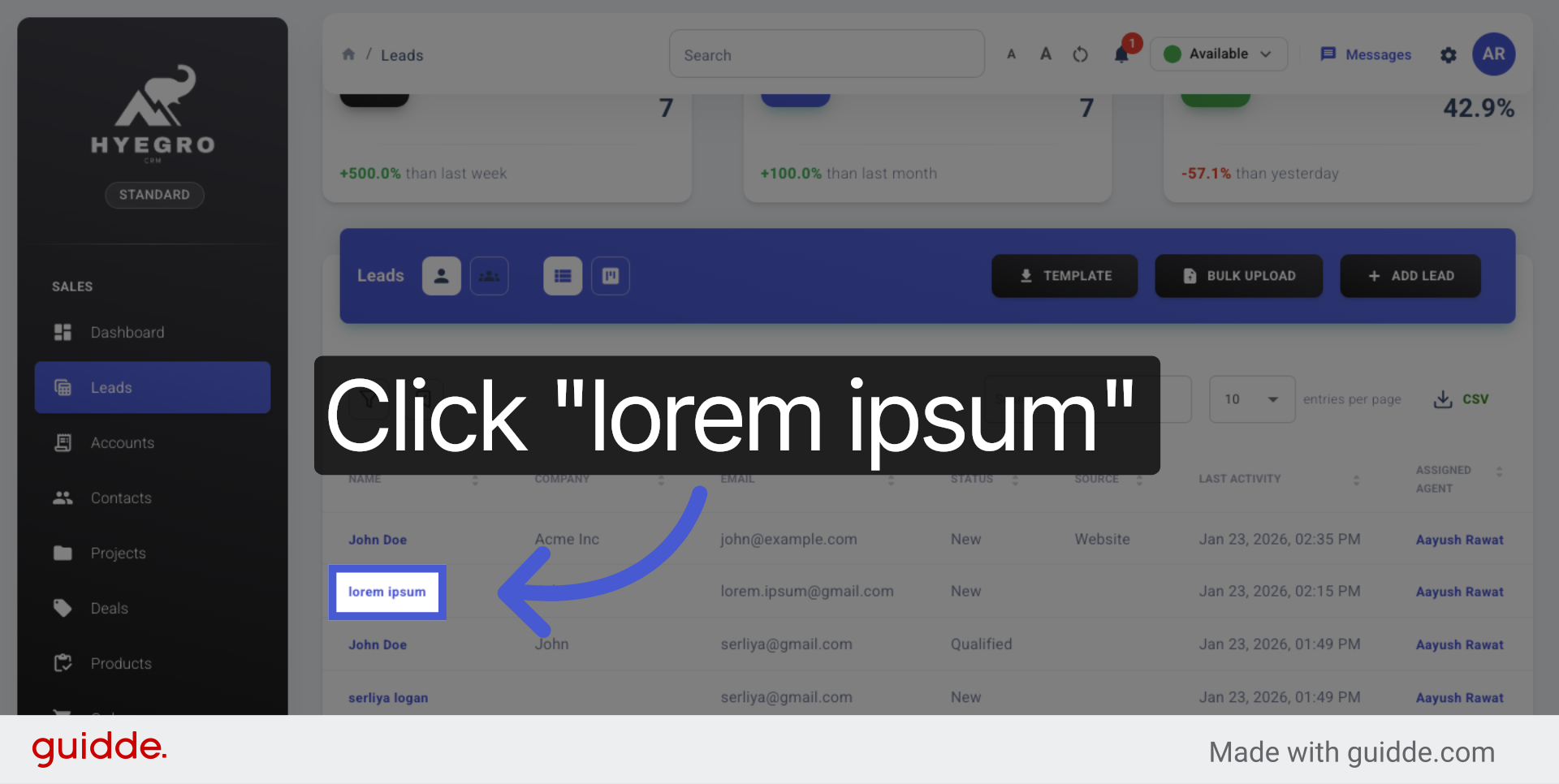
Click the specific lead entry to examine detailed data and insights related to that lead.
This demo demonstrated how to navigate the Hyegro platform to view and explore detailed lead information, helping you manage your leads effectively.
Modified atÂ
2026-01-26 12:10:25
Previous
Create a Lead
Next
Kanban View - Leads